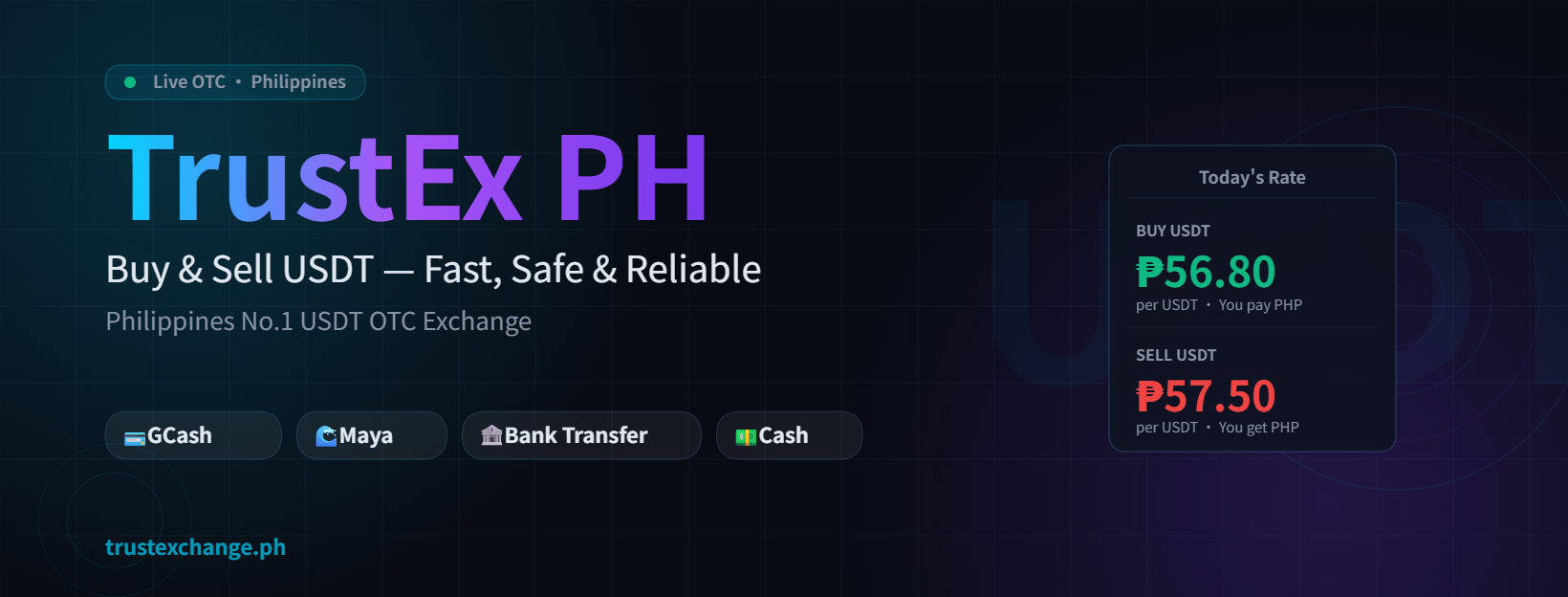
Why You Can't Withdraw Straight to GCash on Binance
Binance is a crypto exchange, not an e-wallet — it can only send USDT to a crypto wallet address, not directly into GCash. To turn that USDT into pesos in your GCash account, you need an extra step: withdraw the USDT to a wallet, then sell it through a local OTC desk like TrustEx PH that pays out to GCash.
What You Need Before You Start
- USDT balance on your Binance account (Funding or Spot wallet).
- A wallet address to withdraw to — this can be your own wallet, or the deposit address TrustEx PH provides you directly.
- Your GCash account ready to receive the payout.
- Knowledge of the correct network (see below) to avoid failed transfers.
Binance to GCash — Step by Step
- Message TrustEx PH first. Tell us how much USDT you're cashing out from Binance, and we'll give you a live quote and a receiving wallet address.
- Go to Binance → Withdraw. Select USDT, choose the wallet address we provided, and pick the matching network (TRC20 recommended).
- Confirm the withdrawal. Double-check the address and network before confirming — this step cannot be undone.
- We confirm on-chain. Once your USDT arrives and is confirmed on the blockchain, your payout is prepared.
- Receive pesos in GCash. We send your GCash payout — usually within 15 minutes of confirmation.
Prefer to compare it against sending pesos the traditional way first? See our USDT vs GCash fees comparison.
Which Network to Choose on Binance
When withdrawing, Binance will ask you to pick a network for USDT. This choice affects both the fee and how long it takes.
| Network | Binance withdrawal fee | Speed | Recommended? |
|---|---|---|---|
| TRC20 (TRON) | Very low, usually ~1 USDT | Fast (minutes) | Yes — best for most users |
| ERC20 (Ethereum) | Higher, varies with gas fees | Can be slower and pricier | Only if required by the receiving wallet |
| BEP20 (BNB Smart Chain) | Low | Fast | Only if TrustEx PH confirms support |
Important: The network you withdraw on must match the network of the receiving address. Always confirm the correct network with TrustEx PH before withdrawing from Binance — sending on the wrong network can permanently lose your funds.
How to Avoid Delays and Mistakes
- Copy-paste the wallet address exactly — never retype it manually.
- Send a small test amount first if you're withdrawing a large sum for the first time.
- Watch Binance's withdrawal confirmations — some networks require several block confirmations before funds are released.
- Keep your withdrawal transaction ID (TXID) so TrustEx PH can confirm it quickly.
- Trade only with a verified, reputable OTC desk that has real reviews and responsive support.
Frequently Asked Questions
Can I withdraw USDT from Binance directly to GCash?
Not directly. Binance sends USDT to a crypto wallet address; TrustEx PH then buys that USDT and pays out pesos to your GCash.
Which network should I use?
TRC20 (TRON) is recommended for its low Binance withdrawal fee and fast confirmation time.
How long does the whole process take?
Usually just minutes on Binance for the withdrawal, then about 15 minutes for TrustEx PH to send your GCash payout after confirming.
Ready to Cash Out Your Binance USDT?
Message TrustEx PH first for a receiving address and live quote before you withdraw from Binance.